Normality Test in SciTrack: How to Use It and Interpret the Results
Learn exactly how to use the SciTrack normality test tool, what each result means, and how to choose parametric vs non-parametric tests based on your output.
The professional OS for modern research teams. Capture ideas, structure timelines, and manage publications with surgical precision.

Opinionated tools designed for the unique demands of academic and medical research.
Capture ideas fast. Tag, prioritize, search, and convert to projects with one click.
Auto-generated stages based on strict study design templates. Never miss a milestone.
Centralized publication management with clean DOI rendering and metric tracking.
Optional public-facing profiles to showcase your verified research and metrics.
Collaborate directly with peers through encrypted messaging and researcher following.
Your workspace is an encrypted vault by default. You choose what and when to share.
Initialize your private account and configure your research institutional variables.
Deploy projects using validated study designs. Track every variable and note.
Render your findings to DOI links or sync with global research indexes.
Latest insights and updates from our team
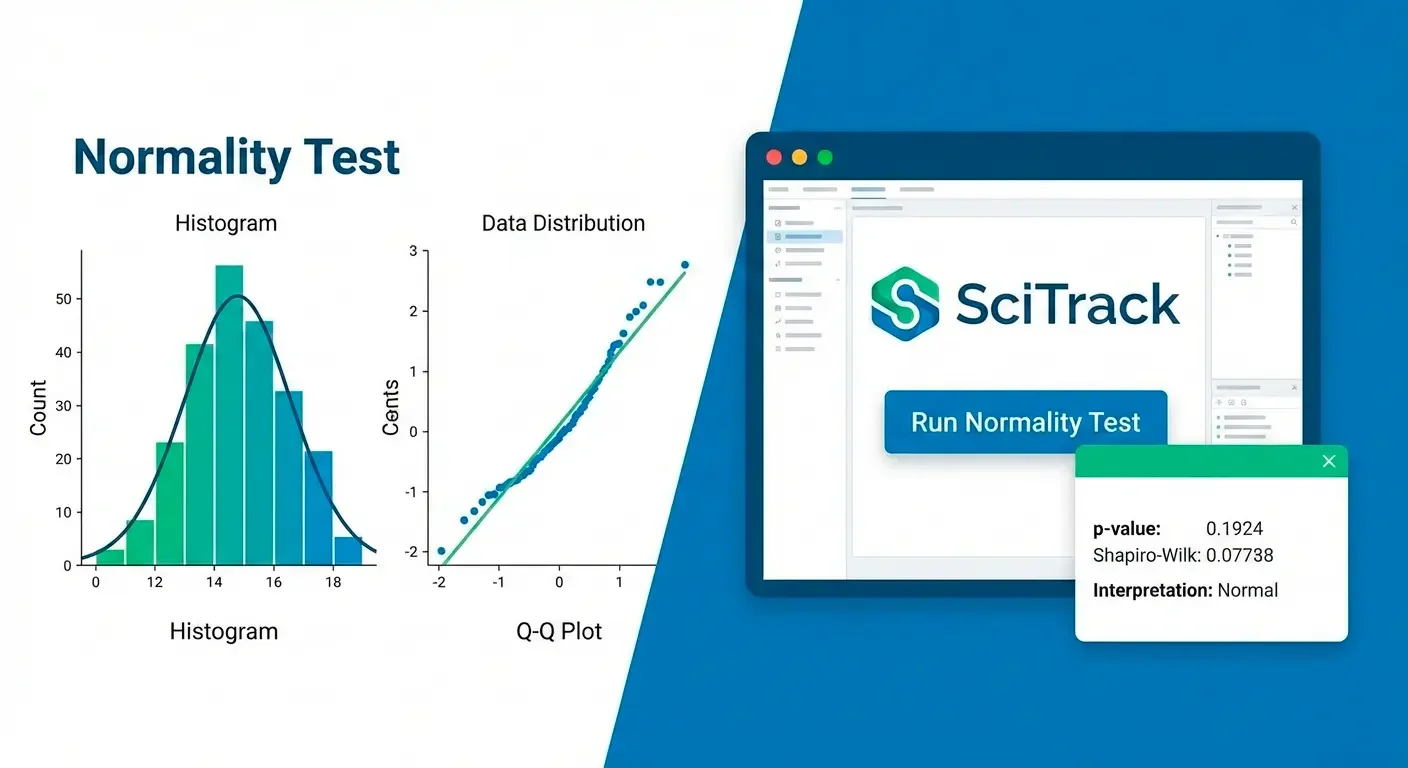
Learn exactly how to use the SciTrack normality test tool, what each result means, and how to choose parametric vs non-parametric tests based on your output.

A practical screening workflow that reduces missed studies and speeds decisions: rules, checklists, common pitfalls, and PRISMA flow tips.

A step-by-step guide to turn a topic into a precise, publishable research question, with examples and a simple checklist.